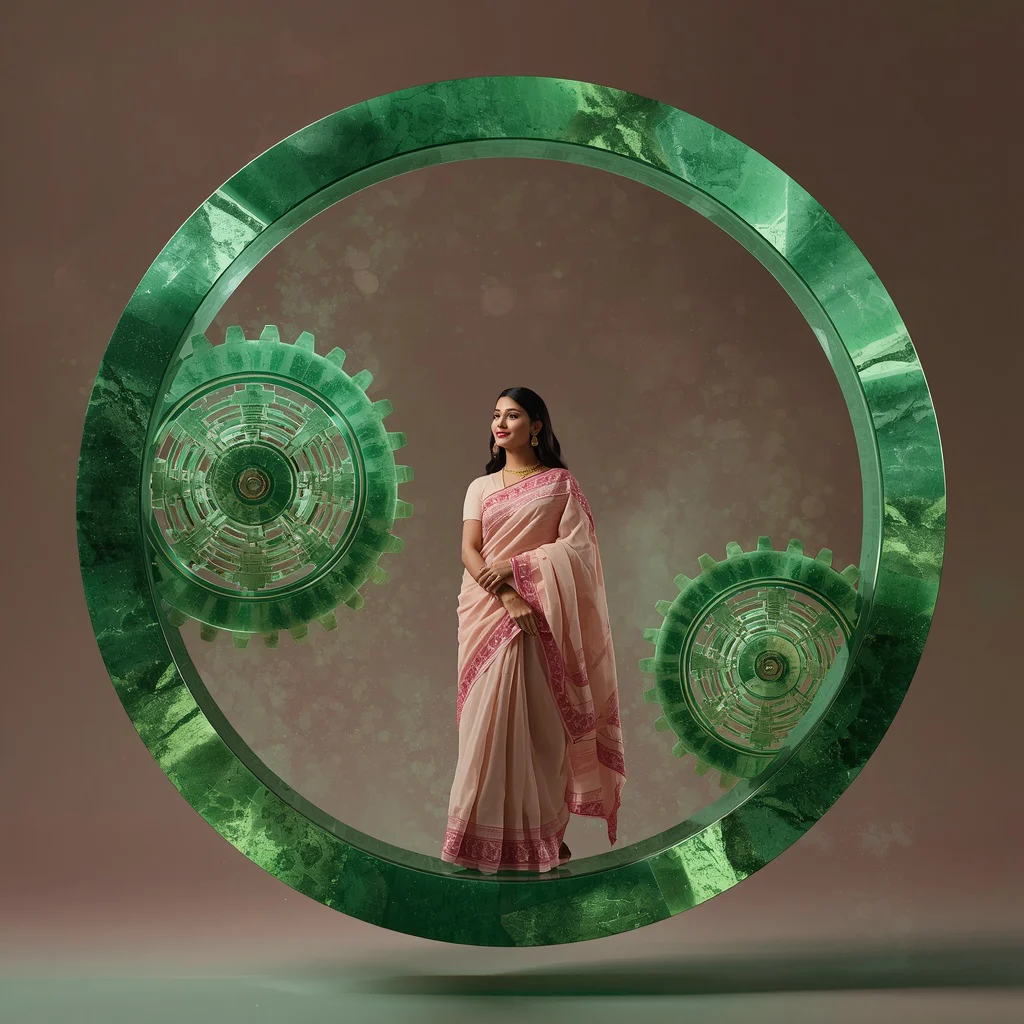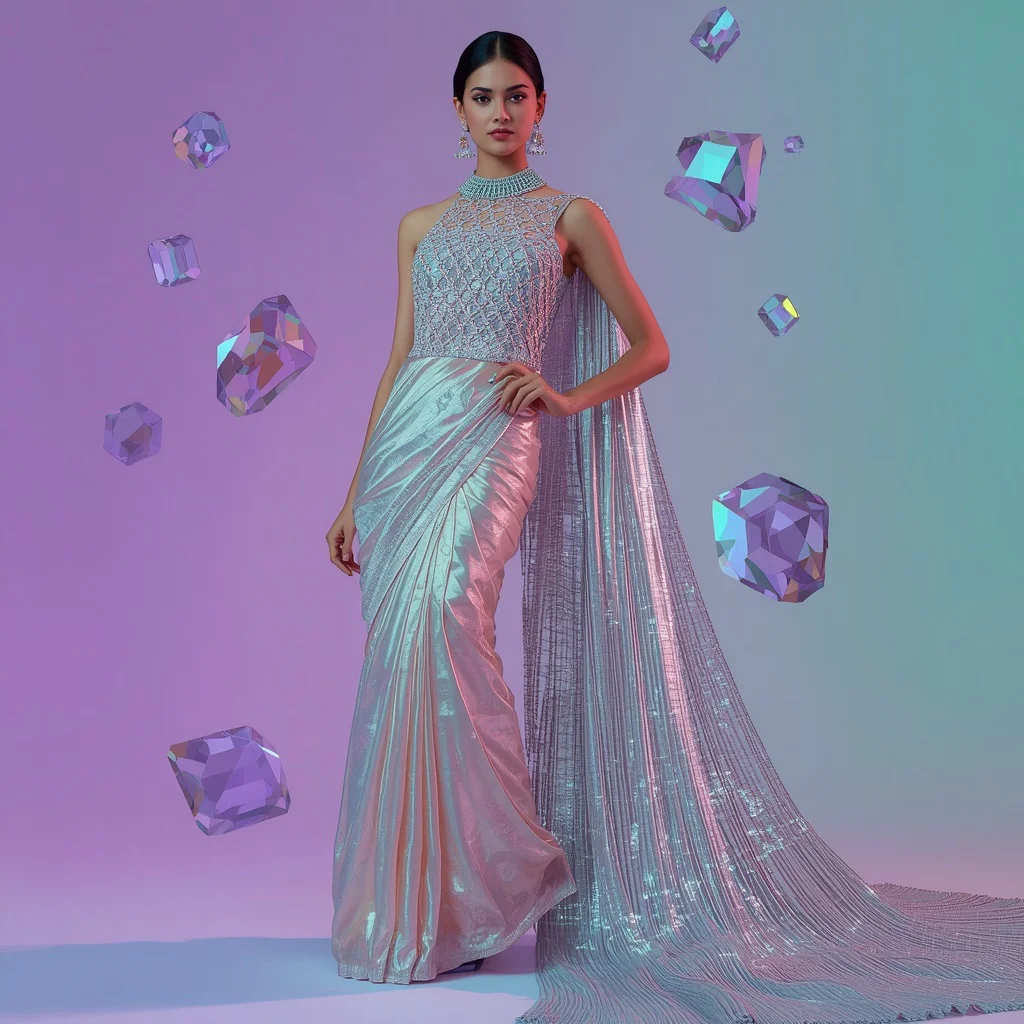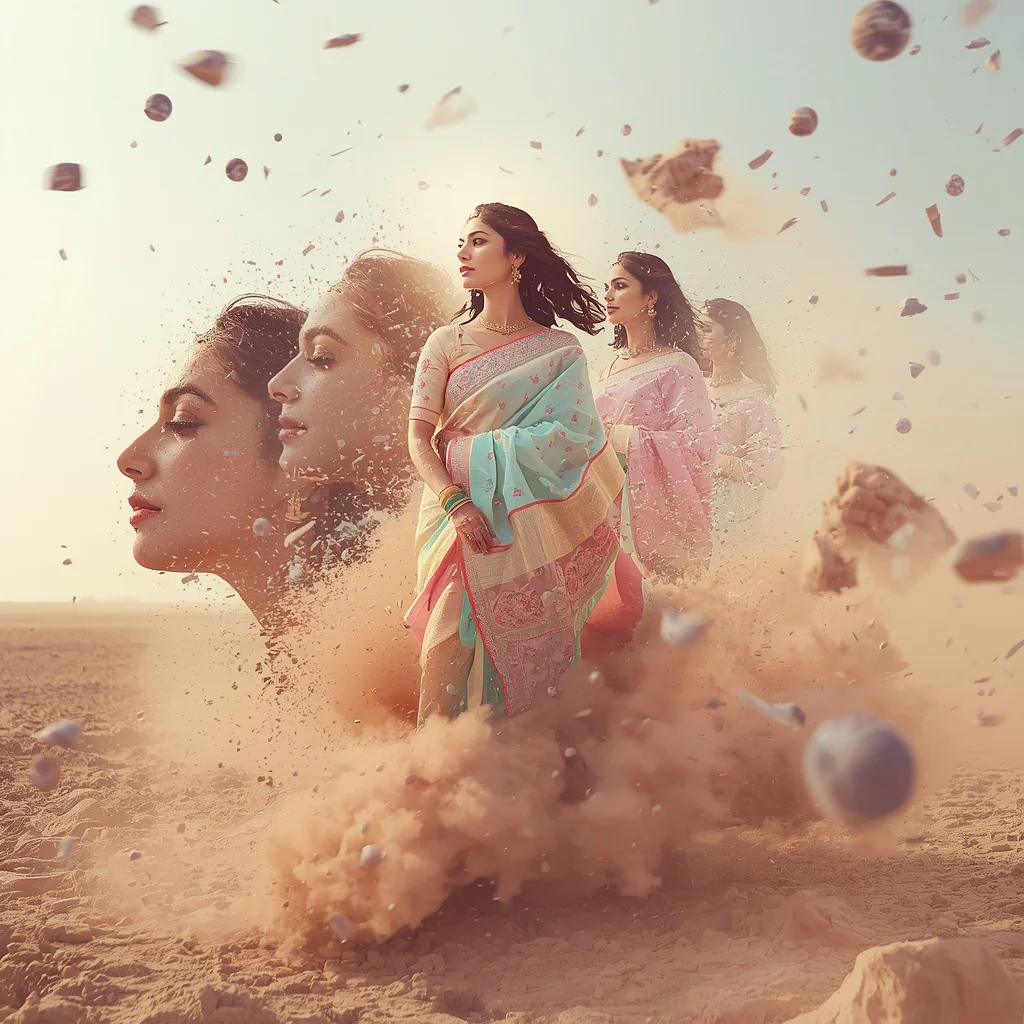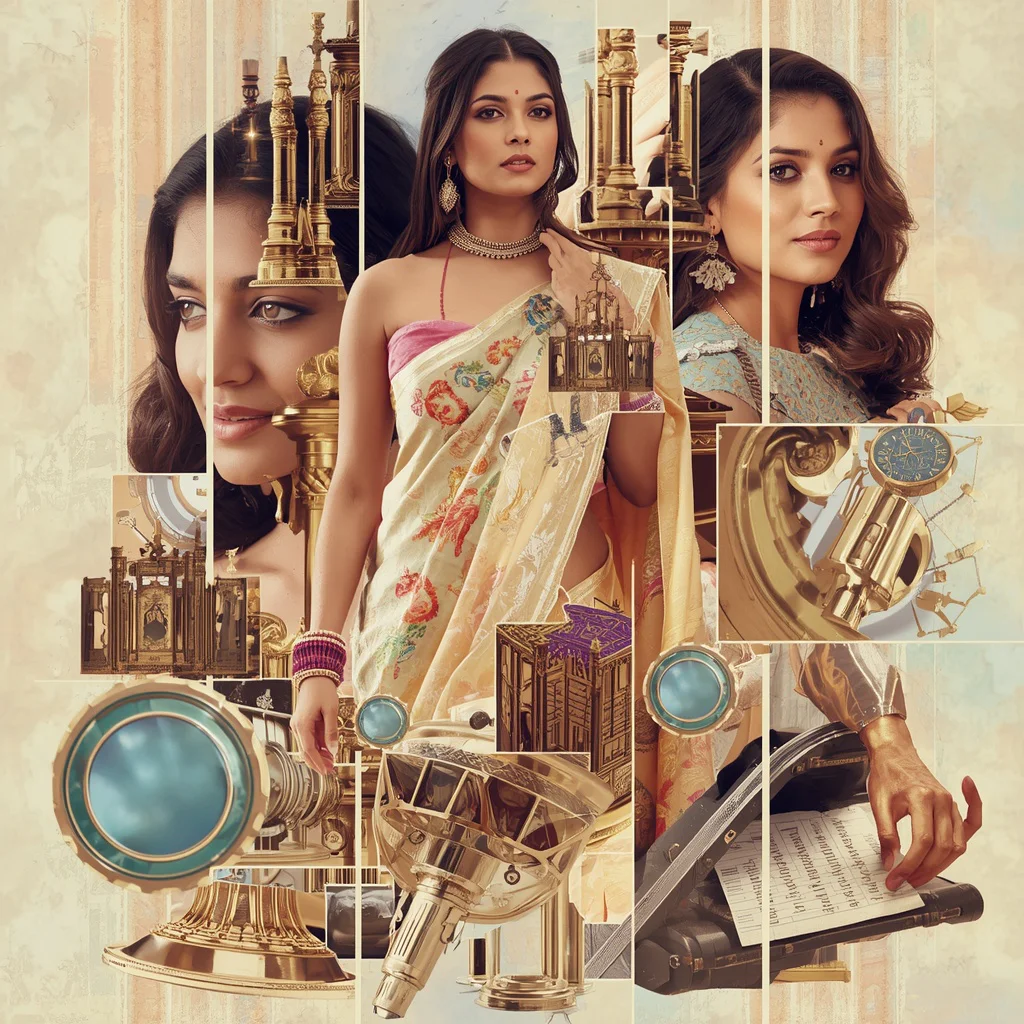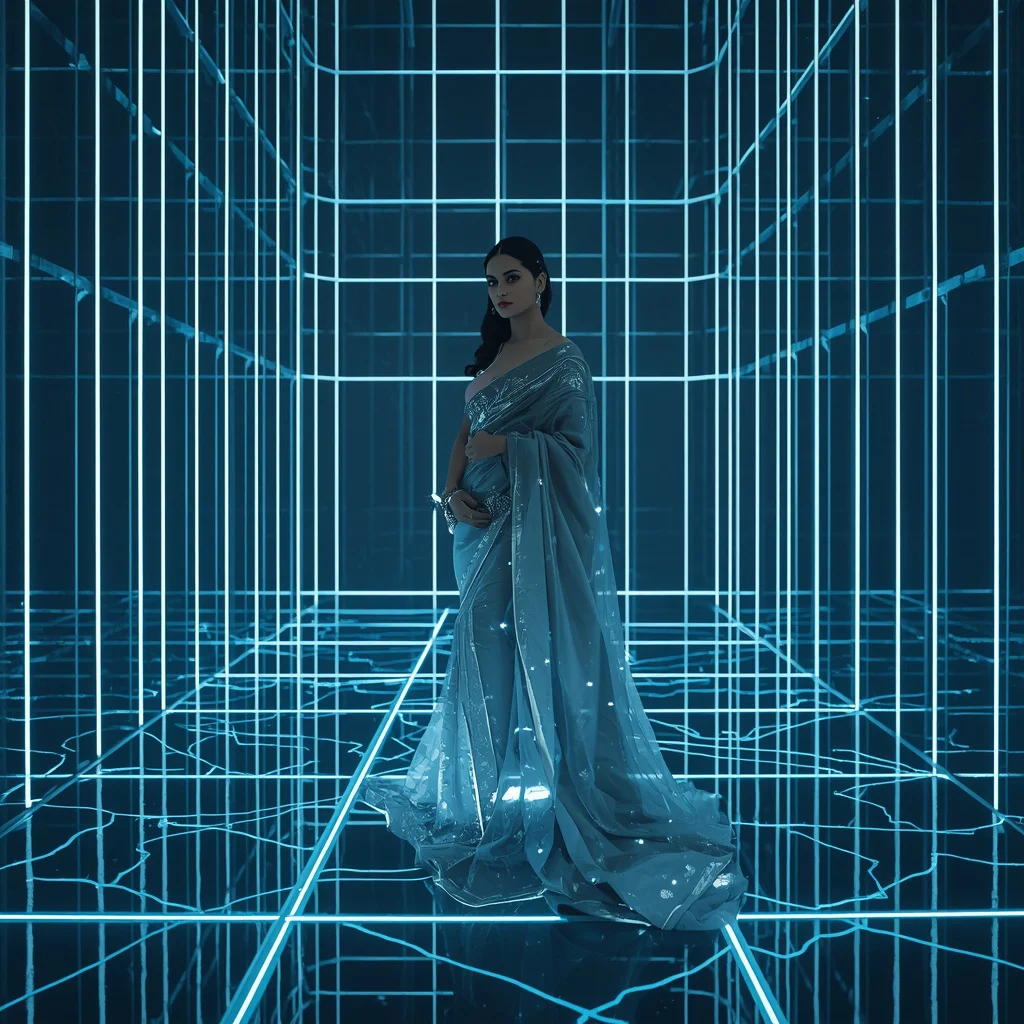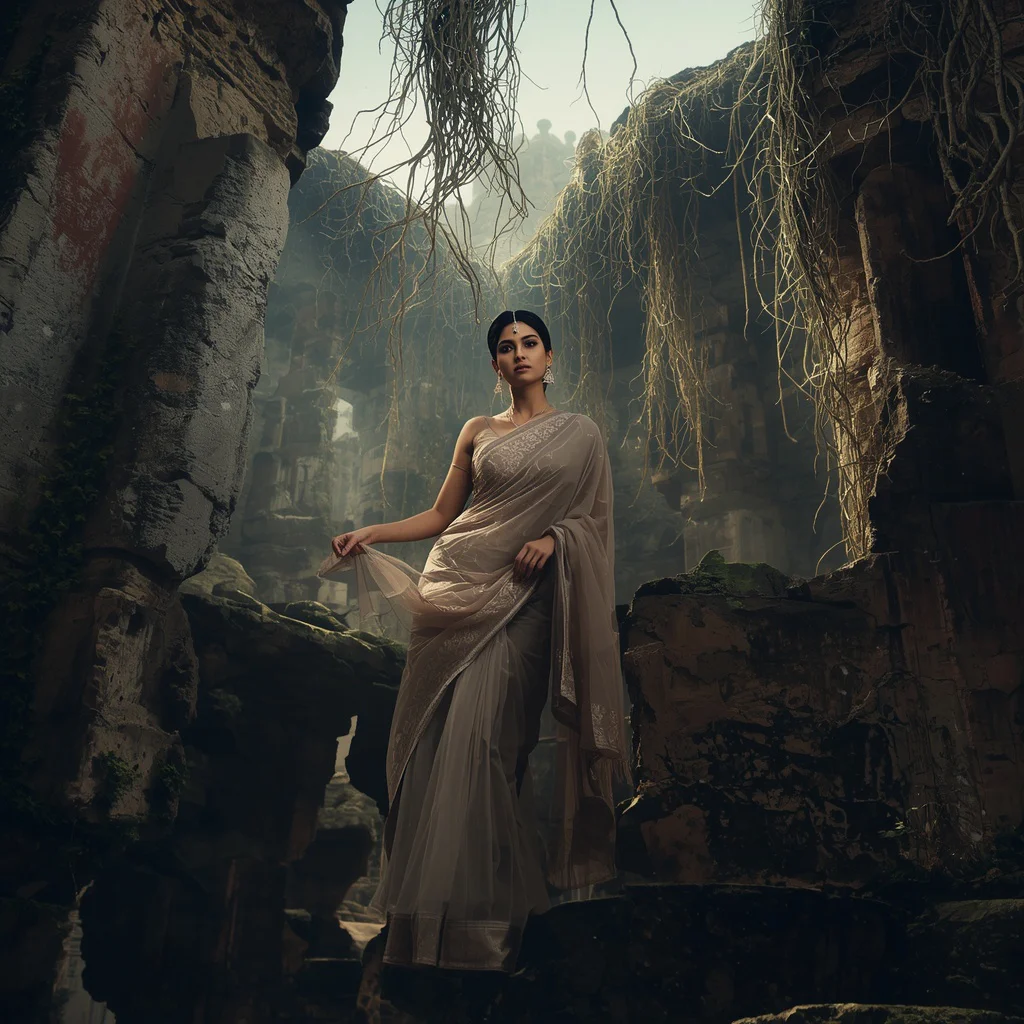


Explore our premium selection of AI prompts for generating portraits of cute girls and elegant women in playful, sophisticated, and dreamy settings.
Creating highly detailed, aesthetic portraits of women is one of the most popular trends in modern AI art. By placing your subjects in rich, narrative-driven environments, you can transform a standard portrait into a captivating visual story. Whether you are aiming to capture a sophisticated moment at an exclusive art gallery opening or a reflective morning at a peaceful lakeside cafe, having the right prompt structure is key to achieving photorealistic, high-quality results.
In this guide, we present a collection of top-tier prompts designed to showcase elegance, confidence, and playfulness. These prompts feature women in diverse roles and settings, including high-end corporate offices with panoramic city views, bustling New York streets illuminated by vibrant neon lights, and intimate candlelit dinners in Michelin-star restaurants. Each prompt is carefully structured to emphasize natural lighting, intricate clothing textures, and beautiful background bokeh.
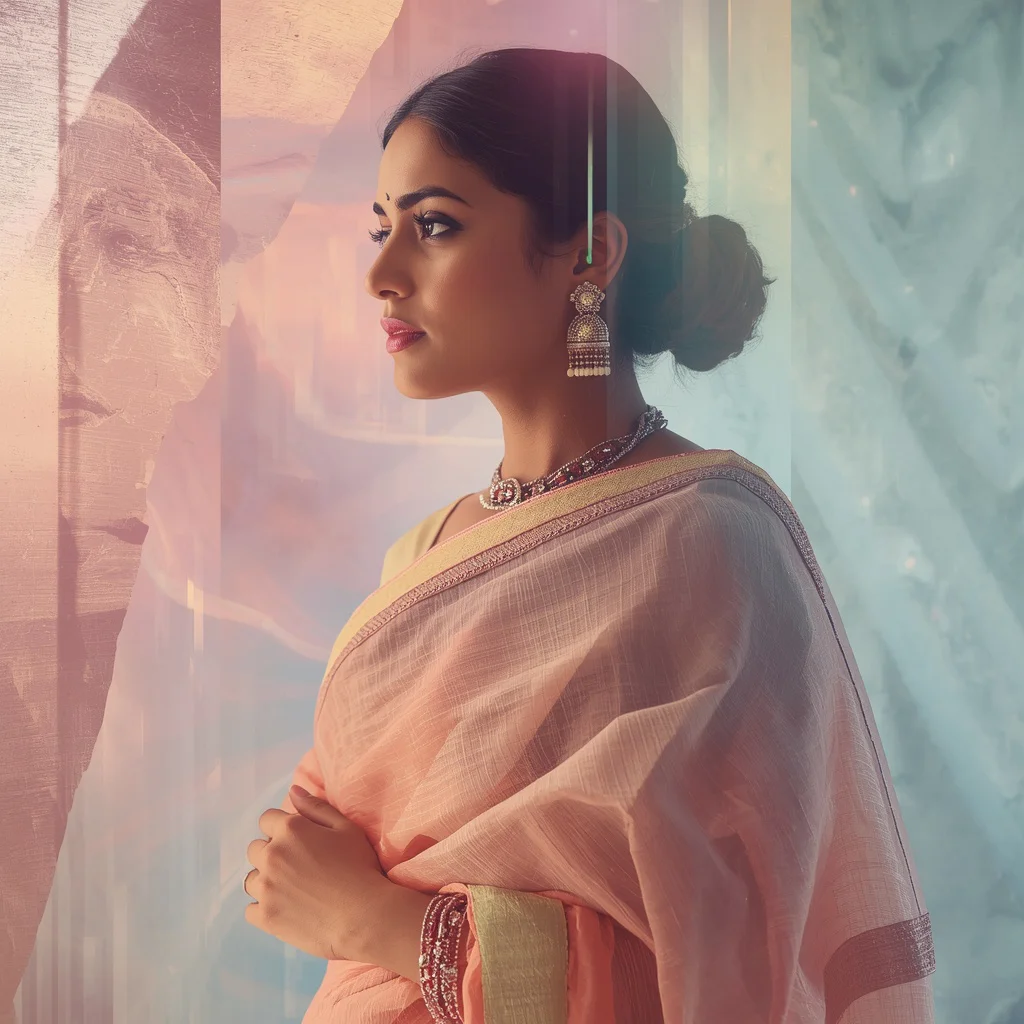
We will also explore advanced conceptual styles, such as narrative timelines that show a woman's journey through career milestones or elegant transformations overlapping within flowing gold waves and translucent floral petals. By copying and pasting these detailed prompts into your favorite AI generator, you can easily create stunning, high-resolution masterpieces that are perfect for social media stories, digital editing, and professional portfolios.
What Are Cute Girls Interacting with Animals in Playful Settings?
Cute Girls Interacting with Animals in Playful Settings prompts focus on capturing lighthearted, joyful, and highly aesthetic moments. While the core of these prompts highlights elegant women in sophisticated situations, the overarching theme is playfulness, warmth, and artistic storytelling. By placing subjects in interactive environments—such as a quiet garden with translucent petal overlays or a tranquil lakeside cafe with distant boats—the images evoke a strong sense of peace, curiosity, and emotional connection.
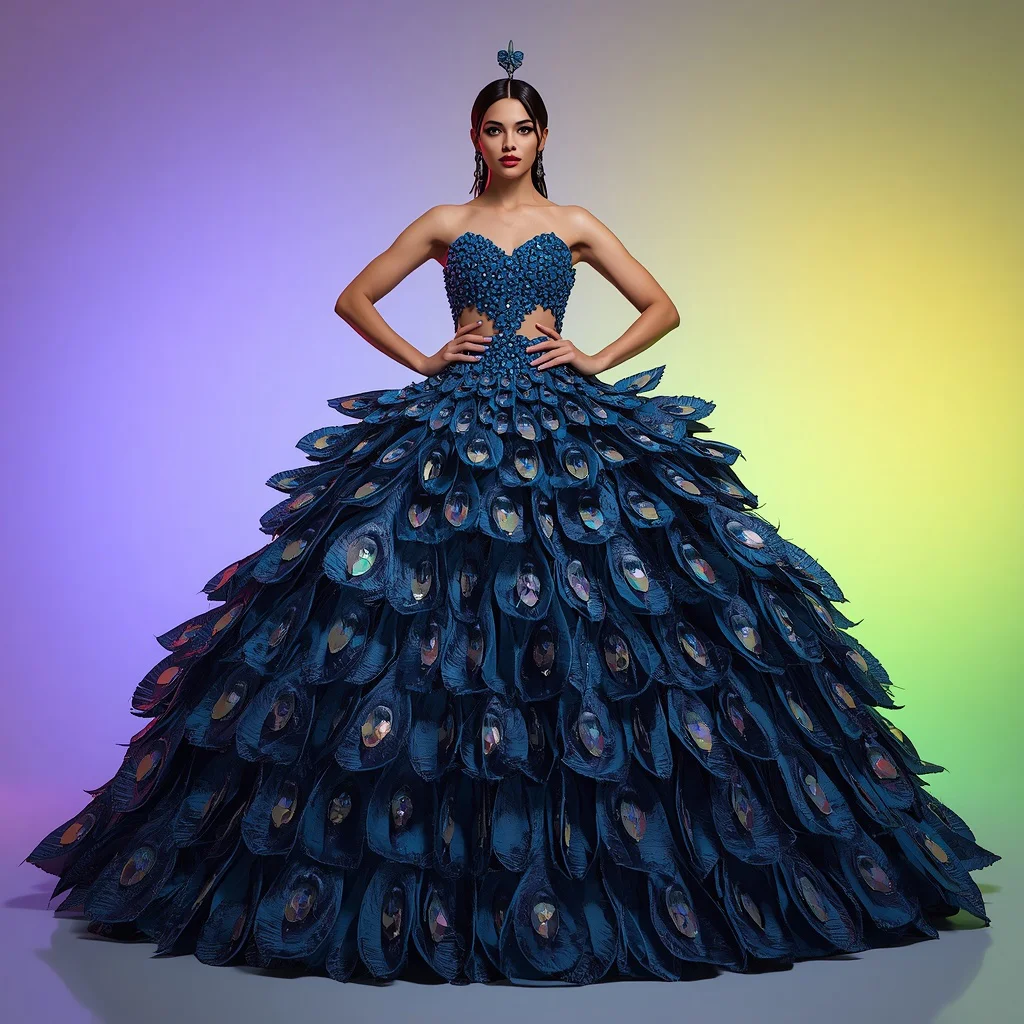
These prompts are designed to be visually engaging and emotionally resonant. They combine high-fashion elements, like a comfortable trench coat or a sweeping regal ball gown, with soft, natural backdrops to create a gentle, inviting atmosphere. This unique blend of playfulness and sophistication makes these prompts incredibly versatile and popular among creators looking to build a cohesive, high-quality social media aesthetic.
Why Cute Girls Interacting with Animals in Playful Settings Is Trending
This genre of AI art is trending because audiences are drawn to visuals that tell a deeper story and evoke positive emotions. Standard, static portraits can often feel cold or overly commercial. In contrast, scenes that depict moments of quiet contemplation, career achievements, or elegant outdoor relaxation feel authentic and relatable. This makes them highly effective for driving engagement on platforms like Instagram and Pinterest.
Additionally, the technical complexity of generating these images is highly appealing to AI artists. Rendering the soft, low-key lighting of a candlelit dinner, the dynamic neon reflections of a New York street, or the complex overlapping layers of a narrative timeline showcases the incredible capabilities of modern AI tools. As creators push the boundaries of digital storytelling, these elegant and playful fusion styles continue to dominate creative feeds.
Popular Styles You Can Create
The prompts in this collection offer a rich variety of styles to suit any creative project. You can generate a photorealistic portrait of an elegant woman in a chic, minimalist black dress holding a glass of champagne at an art gallery opening, or a successful professional in a sharp power suit standing confidently in a modern corporate office with panoramic city views.
For a more artistic and conceptual look, you can create narrative timeline photos showing elegant transformations within flowing gold waves or career milestones visualized through structured light panels. Other popular styles include a sophisticated dining experience at a candlelit table, a confident pose in a high-end airport business lounge, a serene composition with translucent floral petals, a regal model in a sweeping ball gown inside a historic castle, and a glamorous night out in New York with dazzling neon reflections.
- Art Gallery Opening: A minimalist black dress, a glass of champagne, and elegant diamond jewelry under soft, ambient gallery lighting.
- Corporate Power Pose: A sharp power suit in a modern office with panoramic city views and professional styling.
- Fluid Gold Waves: An artistic narrative timeline showing multiple life stages overlapping within flowing golden waves.
- Structured Light Milestones: A career journey visualized through structured light panels, showing transitions from junior professional to CEO.
- Sophisticated Dining: A chic dark evening dress and diamond earrings at a candlelit table in a Michelin-star restaurant.
- Airport Business Lounge: A sharp business suit and a determined expression in a high-end, modern lounge setting.
- Translucent Petal Overlays: A serene composition of a flowing white dress overlapping transparently amidst delicate floral petals.
- Historic Castle Grand Hall: A sweeping, regal ball gown and antique diamond jewelry set against majestic stone walls and arched windows.
- Glamorous New York Night: A striking designer dress, luxury handbag, and high heels walking amidst dynamic neon lights and city reflections.
- Lakeside Cafe Reflection: A comfortable trench coat and minimalist jewelry at an outdoor cafe table overlooking a tranquil lake with distant boats.
How to Use Cute Girls Interacting with Animals in Playful Settings
To use these prompts, simply copy the detailed text descriptions and paste them into your preferred AI image generator. The prompts are pre-formatted with descriptive adjectives and environmental cues that help the AI understand the desired lighting, camera angle, and outfit textures, resulting in a highly polished and professional final image.
If you wish to customize the scene, you can easily swap out key details to match your specific vision. For example, you can change the setting from a "lakeside cafe" to a "cozy mountain cabin," or change the "minimalist black dress" to a "traditional embroidered lehenga." This allows you to create unique variations while maintaining the high-quality composition and realistic lighting of the original prompt.
- Choose a prompt from our curated list of playful and sophisticated settings.
- Copy the entire prompt text, including the details about the outfit, pose, and background.
- Open your favorite AI image generator on your computer or mobile device.
- Paste the prompt directly into the text input field.
- Adjust the aspect ratio settings, choosing 16:9 for wide scenic views or 9:16 for vertical social media posts.
- Run the generation process and wait for the AI to produce the initial set of image variations.
- Select your favorite image and upscale it to high definition for crisp, professional-grade results.
What Kind of Base Photo Works Best?
When using image-to-image features or looking for visual inspiration, the best base photos are those with clear, well-defined subjects and strong lighting. A photo of a model standing in a clear, confident pose with minimal clutter around her silhouette will help the AI map the clothing—such as a sharp business suit or a flowing white dress—with high precision.
Additionally, the lighting in your base photo should match the atmosphere you want to generate. For instance, if you want to create a cozy, candlelit dining experience, a base photo with warm, low-key lighting is ideal. If you are aiming for a lakeside cafe scene, a base photo with soft, diffused natural daylight will provide the best foundation for the AI to render realistic shadows and highlights.
Which AI Tools Deliver the Best Results?
To achieve the highest level of realism, vibrant colors, and intricate details in your portraits, you should paste these prompts into advanced AI image generators. Below is a comparison of the top tools you can use to bring these playful and sophisticated scenes to life.
| AI Tool | Best For | Recommended Settings |
|---|---|---|
| Midjourney | Cinematic lighting and rich background textures | Use --ar 9:16 or --ar 16:9 for dynamic layouts |
| Flux | Sharp clothing details and realistic fabric folds | Set to photorealistic mode for maximum detail |
| Leonardo | Custom styles and advanced lighting control | Enable PhotoReal or Alchemy mode for portraits |
| ChatGPT | Quick prompt customization and brainstorming | Request highly detailed, photorealistic outputs |
| Gemini | Vibrant colors and clean digital compositions | Use natural, descriptive language in your inputs |
Pro Tips
To make your AI-generated portraits look even more realistic, try incorporating specific camera terms into your prompts. Adding phrases like "shot on an 85mm lens," "f/1.8 aperture," or "shallow depth of field" will naturally guide the AI to create a beautiful, soft blur in the background, making your subject stand out dramatically and giving the image a professional, high-end feel.
Another great tip is to describe the texture and material of the clothing in detail. Instead of just writing "suit" or "dress," specify "a meticulously tailored designer coat," "a sweeping regal ball gown crafted from silk," or "a comfortable trench coat with visible fabric textures." This gives the AI clear instructions on how to render light reflections and folds, resulting in a much more convincing image.
Common Issues and Quick Fixes
Even with advanced AI tools, you may occasionally run into issues like blurry textures, unnatural lighting, or awkward poses. Understanding how to troubleshoot these common problems will help you achieve the perfect image on your first few attempts.
| Common Issue | Root Cause | Quick Fix |
|---|---|---|
| Blurry or low-detail clothing textures | Vague clothing descriptions in the prompt text | Specify fabrics like "tailored designer coat" or "sweeping silk ball gown." |
| Harsh, unrealistic background lighting | Conflicting light sources described in the prompt | Use terms like "soft ambient gallery lighting" or "diffused daylight." |
| Unnatural or stiff posing of the subject | Posing instructions are too static or missing | Add kinetic phrases like "walking confidently down a street" or "sitting reflectively." |
Frequently Asked Questions
How do I create a beautiful narrative timeline photo using these prompts?
You can create a beautiful narrative timeline by pasting prompts that describe 'one woman in elegant attire, existing in multiple life stages, gracefully overlapping within flowing gold waves' or 'structured light panels showing career milestones' into your generator.
Which AI tools are best for rendering the intricate textures of gowns and suits?
Advanced image generators like Midjourney, Flux, and Leonardo are the best tools to paste these prompts into. They excel at capturing fine details like diamond jewelry, trench coat fabrics, and sweeping regal ball gowns.
Can I customize the background settings from a castle to a modern cafe?
Yes. The prompts are highly customizable. You can easily swap out a historic castle grand hall for an outdoor lakeside cafe, a Michelin-star restaurant, or a bustling New York street at night.
Conclusion
Generating elegant and playful portraits of women is an incredibly creative and rewarding process. By focusing on detailed clothing descriptions, realistic environmental lighting, and unique narrative concepts like timelines or petal overlays, you can easily produce professional-grade digital art. Copy and paste these prompts into your favorite generators like Midjourney, Flux, or Leonardo, and start creating your own breathtaking, high-resolution masterpieces today!